Pricing on the wrong page: match the page to how ready the visitor is
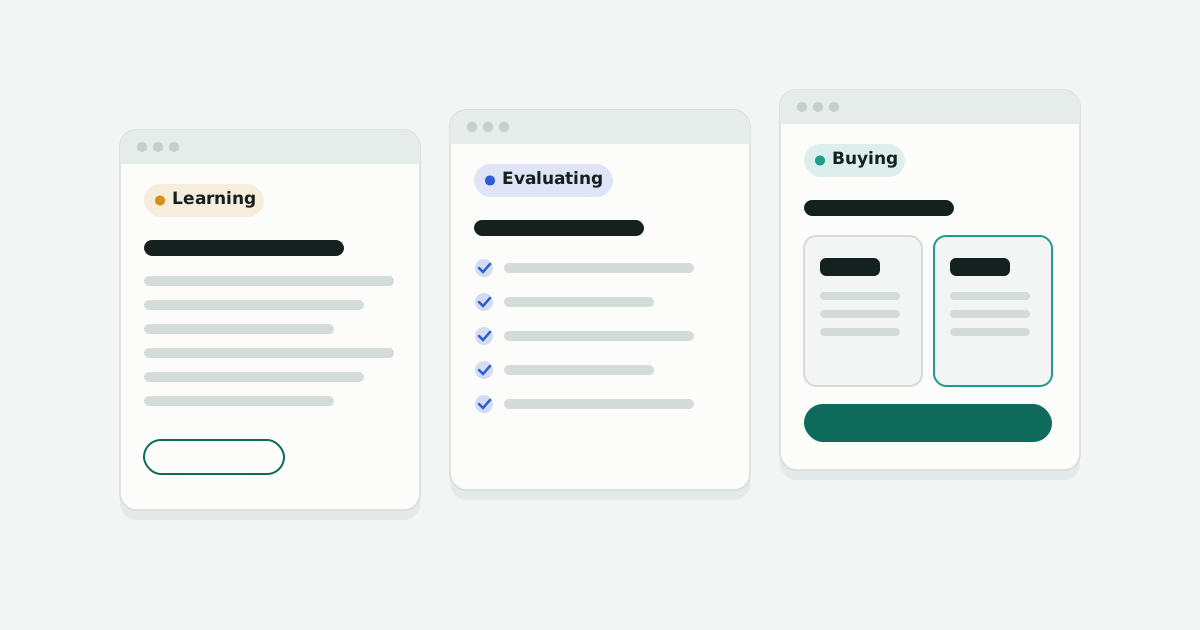
Showing prices sounds like an obvious way to help people buy. In the tests I ran, it hurt conversions on some pages and helped on others. The difference was how ready the visitor was when they arrived.
At a previous company I ran most of a year of landing page tests, mostly on paid search traffic. Several of the clearest results came down to one idea: the search someone typed tells you what stage they're at, and the page should meet them there.
What the tests showed
- Pricing up top hurt early-stage visitors. Adding plan cards, a pricing banner, or a pricing callout to landing pages for broad searches either cut conversions or did nothing. Visitors who hadn't decided they wanted the product yet weren't ready to compare plans.
- Pricing helped people who were ready. Earlier campaigns showed the opposite for visitors closer to a decision: pricing above the fold converted better. The lever worked. It was on the wrong page.
- Matching the words paid off. Ad platforms flagged poor relevance on some keywords because the landing page didn't use the words people searched for. A page written around those keywords improved relevance and lowered cost per click.
- Being straight with "free" searchers worked. People who searched for free options got a page that explained plainly what free gets you and where its limits are. That version won: more engagement, and more people chose to pay.
- Trust badges didn't move paid search visitors. Review-site badges, personality callouts, and download counters had mixed or negative results. People who arrived with a specific need wanted to see that need met, not reassurance.
The pattern: read the search, then build the page
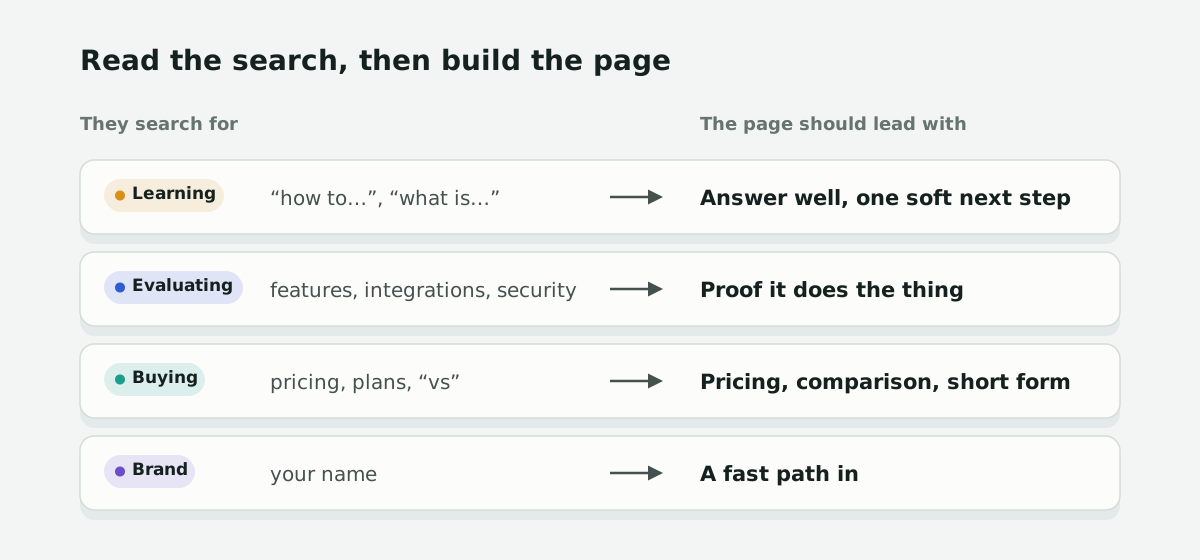
Each of those results is the same lesson from a different angle. The words someone types are the best clue you'll get to what they need next. Roughly:
- Learning ("what is…", "how to…"): answer the question well, then offer one soft next step. Prices here read as a hard sell.
- Evaluating (features, integrations, security): show proof that it does the thing. Specifics, documentation, examples of it working.
- Buying (pricing, plans, a competitor's name, "vs"): make it easy to buy or book. Pricing, a clear comparison, and a short form.
- Brand (your name): get out of the way. They already know you; a fast path to sign up or log in beats a pitch.
How to put it to work
- Sort your landing page traffic by the search behind it. Use Search Console for organic and the search terms report for paid. Most pages get a mix, but one stage usually dominates.
- Check each page against its main stage. A page that mostly gets evaluating searches but leads with pricing is a test waiting to happen.
- Test one move toward the visitor's stage. Not a redesign. Move pricing down, put the integration list higher, put the searcher's words in the headline.
- Watch the mix, not just the conversion rate. If a page starts attracting more buying searches, its conversion rate should rise on its own. Knowing which happened keeps you from crediting the wrong change.
Questions
Should I put pricing on my landing pages?
It depends on who lands there. For visitors close to buying, pricing above the fold helped. For visitors from broad, early searches, adding pricing cut conversions or did nothing in my tests.
How can I tell what stage a visitor is at?
Look at the search that brought them. Pricing, plans, and “vs” searches are buying; features, integrations, and security are evaluating; how-to and definitions are learning; your name is brand.
Do trust badges and social proof increase conversions?
Not reliably for paid search visitors in my tests. Review badges, personality callouts, and download counters had mixed or negative results. People who arrive with a specific need want to see that need met first.
What should a landing page for “free” searches say?
Be straight about what free gets you and where its limits are. In my tests that version won: more engagement, and more people chose to pay.